

The NVIDIA GeForce RTX 5090 is one of the most powerful consumer graphics cards available, designed for demanding gaming, professional creative work, and advanced artificial intelligence applications. One of its most impressive features is its large video memory capacity, which helps it handle detailed textures, high-resolution graphics, complex 3D scenes, and memory-intensive workloads. 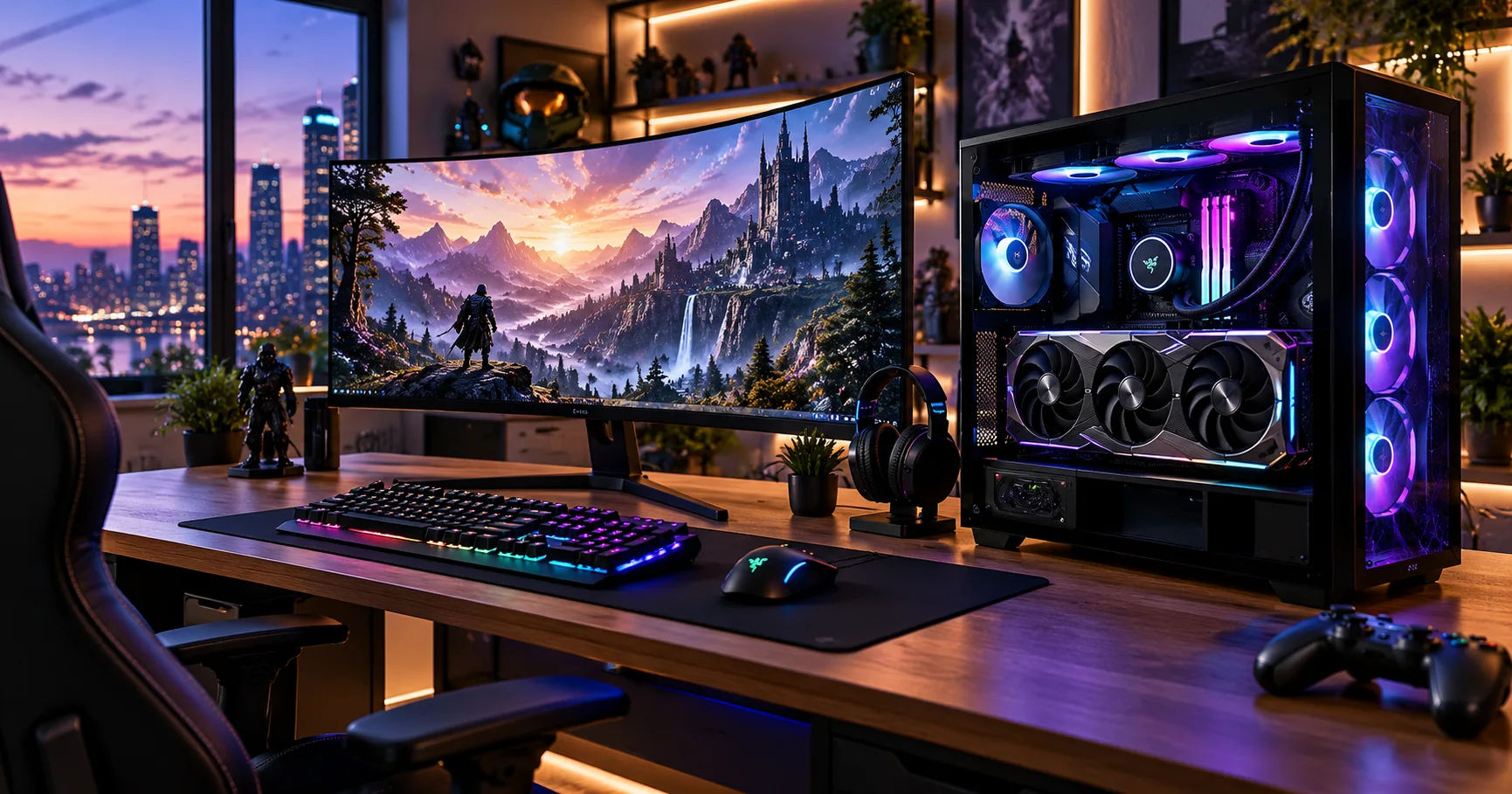 For anyone considering a high-end GPU, understanding video random-access memory (VRAM) is essential. VRAM affects how much graphical data a card can store and access quickly, particularly when playing modern games at 4K resolution, working with large video projects, or running demanding creative applications.
The graphic card 5090 comes with 32GB of GDDR7 VRAM, giving it substantial memory capacity for modern gaming and professional workloads. This large memory pool allows the card to manage detailed assets and complex projects without relying as heavily on slower system memory when the workload fits within its available VRAM.
However, memory capacity is only one part of overall graphics performance. Memory bandwidth, GPU architecture, processing power, software optimization, and cooling also influence the experience. Understanding how these features work together can help you decide whether the RTX 5090 is the right choice for your needs.
How Much VRAM Does the RTX 5090 Have?
The NVIDIA GeForce RTX 5090 features 32GB of GDDR7 graphics memory. This capacity makes it particularly suitable for demanding applications that need to load and process large amounts of graphical data.
GDDR7 is a modern graphics memory technology designed to deliver high data-transfer rates. Combined with the RTX 5090's powerful graphics processor, it helps support high-resolution gaming, advanced rendering, and other memory-intensive tasks.
VRAM stores information that the GPU needs to access quickly. This information can include textures, frame buffers, geometry data, lighting information, and other resources used to create images on your screen.
With 32GB available, the RTX 5090 can accommodate large workloads that might exceed the memory capacity of many mainstream graphics cards.
RTX 5090 VRAM Specifications
Here are the key memory specifications of the card.
|
Specification |
NVIDIA GeForce RTX 5090 |
|---|---|
|
VRAM capacity |
32GB |
|
Memory type |
GDDR7 |
|
Memory interface |
512-bit |
|
Memory bandwidth |
Up to approximately 1,792 GB/s |
|
Memory speed |
28 Gbps |
|
Architecture |
NVIDIA Blackwell |
These specifications describe the standard desktop GeForce RTX 5090. Individual models from graphics card manufacturers may differ in cooling design, dimensions, factory overclocking, and power delivery, but they retain the same core VRAM capacity.
The high memory bandwidth is especially important because having a large amount of VRAM does not automatically mean that data can move quickly. Capacity determines how much information can be stored, while bandwidth determines how quickly that information can be transferred.
Why Does 32GB of VRAM Matter?
VRAM becomes more important as applications grow more demanding. Games feature larger textures, realistic lighting, detailed environments, and higher resolutions. Creative applications also handle increasingly complex projects, including high-resolution video, detailed 3D models, and large visual effects scenes.
The graphic card 5090 offers enough memory to support many of these workloads comfortably, although the amount actually required depends on the software and project.
Handling High-Resolution Textures
Textures provide the surface details you see on objects in games. They determine whether a wall looks rough, a character's clothing appears realistic, or distant scenery retains fine details.
Higher-resolution textures generally require more memory. At 4K resolution, games may use substantially more VRAM than they do at 1080p, particularly when high-resolution texture packs and advanced graphics settings are enabled.
With 32GB of memory, the RTX 5090 has considerable room for detailed textures and other graphical assets. This can help reduce memory-related performance problems in particularly demanding games.
However, the game must be designed to use these resources effectively. A game that requires only 8GB of VRAM will not automatically become faster simply because the graphics card has 32GB.
Supporting Ray Tracing
Ray tracing simulates the behavior of light to produce realistic reflections, shadows, and illumination. These effects can improve visual quality but may increase memory requirements.
The amount of additional VRAM required depends on the game, resolution, ray-tracing implementation, and other settings.
The RTX 5090 combines its 32GB memory capacity with dedicated ray-tracing hardware. This combination makes it suitable for demanding visual settings, including detailed environments with complex lighting.
Even so, ray tracing also requires substantial processing power. Having more memory does not eliminate the performance cost of calculating advanced lighting effects.
Managing Multiple Applications
Some users run several demanding applications simultaneously. A game developer, for example, might keep a 3D modeling program, a game engine, and reference materials open together.
Each application may consume some graphics memory. A larger VRAM capacity can give these users more flexibility, especially when working with detailed assets or large projects.
The operating system and individual applications still manage memory allocation, so available VRAM may be shared between different workloads.
How Does the RTX 5090 Compare With Other Graphics Cards?
The RTX 5090's 32GB capacity places it above many mainstream gaming graphics cards in terms of dedicated video memory. However, comparing memory capacity alongside bandwidth and GPU capabilities gives a more useful picture.
|
Graphics card |
VRAM capacity |
Memory type |
|---|---|---|
|
NVIDIA GeForce RTX 5090 |
32GB |
GDDR7 |
|
NVIDIA GeForce RTX 5080 |
16GB |
GDDR7 |
|
NVIDIA GeForce RTX 4090 |
24GB |
GDDR6X |
|
NVIDIA GeForce RTX 4080 SUPER |
16GB |
GDDR6X |
|
NVIDIA GeForce RTX 5070 Ti |
16GB |
GDDR7 |
Specifications refer to standard desktop models; regional availability and individual board designs may vary. See NVIDIA's official RTX 5090 specifications for details.
RTX 5090 vs. RTX 4090
The RTX 4090 offers 24GB of GDDR6X memory, while the newer RTX 5090 provides 32GB of GDDR7.
That is an additional 8GB, or approximately one-third more memory capacity. The newer card also offers greater memory bandwidth, allowing it to transfer data more quickly under suitable workloads.
These improvements can benefit demanding creative applications, large AI workloads, and games that require substantial graphics resources. However, the actual performance difference varies by application, resolution, and settings.
RTX 5090 vs. RTX 5080
The RTX 5080 features 16GB of GDDR7 memory, half the capacity of the RTX 5090.
For many gamers, 16GB remains sufficient for a broad range of games and resolutions. The RTX 5090 becomes more attractive when the workload needs additional memory or when the user wants a higher-performance system for specialized professional applications.
The extra memory alone does not justify the higher price for everyone. Buyers should consider their software requirements, budget, and overall performance goals.
Is 32GB of VRAM Enough for 4K Gaming?
Yes. In fact, 32GB is a generous amount of VRAM for 4K gaming.
A 4K display renders 3,840 × 2,160 pixels, which is four times the pixel count of a 1080p display. Higher resolutions can increase the memory needed for frame buffers, textures, and other rendering resources.
The graphic card 5090 is designed for high-end gaming, and its large memory capacity provides considerable headroom for demanding titles, detailed texture settings, and advanced graphical effects.
Gaming at 1440p and 4K
At 1440p, many games can run comfortably with considerably less than 32GB of VRAM. The same is true of many 4K games, depending on their graphical settings and optimization.
The RTX 5090's memory capacity is particularly useful when several demanding features are combined, such as high-resolution textures, ray tracing, and extensive modifications.
At 4K, however, performance still depends on the GPU's processing capabilities and the game engine. A larger memory pool cannot compensate for every processing bottleneck.
Gaming at 8K Resolution
An 8K image contains four times as many pixels as a 4K image. Rendering at this resolution can increase memory use and processing demands significantly.
The RTX 5090's 32GB VRAM can help accommodate large graphical workloads, but 8K gaming remains demanding. Not every game can maintain smooth performance at native 8K with maximum settings.
Technologies such as NVIDIA DLSS can improve performance by rendering internally at a lower resolution and reconstructing a higher-resolution image. The results depend on the game, the selected mode, and the quality settings.
How Much VRAM Do Content Creators Need?
Graphics memory is important beyond gaming. Video editors, 3D artists, architects, animators, and visual effects professionals can all benefit from additional VRAM.
The right amount depends on project complexity, software requirements, output resolution, and the size of the assets being processed.
Video Editing and Rendering
Video editing software may use VRAM for effects, color grading, image processing, playback, and GPU-accelerated rendering.
Working with high-resolution footage, multiple video layers, complex effects, and demanding timelines can increase memory use.
The graphic card 5090 offers 32GB of VRAM, providing useful capacity for many advanced editing workflows. Nevertheless, video editing performance also depends on the processor, system RAM, storage speed, software, and supported codecs.
A larger memory capacity does not guarantee that every video will render faster. Some tasks are limited by processing power or other system components rather than VRAM.
3D Modeling and Animation
Three-dimensional projects can contain detailed models, high-resolution textures, complex materials, and extensive scenes.
As projects grow, the GPU may need to keep more assets in memory. When a scene exceeds available VRAM, an application may need to move data between graphics memory and system memory, potentially slowing the workflow.
The RTX 5090 can be useful for professionals working with large scenes, architectural visualization, animation, and GPU-based rendering.
Its 32GB capacity is not unlimited, however. Extremely complex professional scenes may still require additional optimization, careful asset management, or specialized hardware.
Artificial Intelligence and Machine Learning
VRAM capacity can be particularly important for local AI workloads.
When running AI models on a GPU, memory may be needed for model weights, intermediate calculations, input data, and other computational resources.
A larger memory pool can allow users to load larger models or process more data, depending on the model architecture, precision, software framework, and workload.
The graphic card 5090 can be attractive to AI enthusiasts and developers because its 32GB VRAM provides substantial capacity for supported local inference and development tasks.
However, not every model fits within 32GB. Training large models can require considerably more memory, and some workloads depend on multiple GPUs or specialized hardware.
What Is the Difference Between VRAM and System RAM?
VRAM and system RAM are both types of memory, but they serve different purposes.
System RAM helps your computer run the operating system, applications, background processes, and general computing tasks. VRAM is dedicated to graphics processing and stores the data the GPU needs to render images or perform supported computations.
For example, a gaming computer might have 32GB of system RAM and a graphics card with 32GB of VRAM. Although the capacities are equal, the two memory pools are separate.
The graphic card 5090 does not replace system RAM. A powerful computer still needs enough system memory to support its games, creative software, and background applications.
Can System RAM Replace VRAM?
Not directly. If a graphics card runs out of dedicated VRAM, some applications may transfer or access data through system memory. This can help prevent certain memory limitations, but it usually introduces additional latency and reduces performance.
For this reason, having sufficient dedicated VRAM is valuable for workloads that require fast access to large amounts of graphical data.
Does More VRAM Always Mean Better Performance?
No. VRAM capacity is important, but it is not the only factor determining graphics performance.
Consider two graphics cards with different memory capacities. If a game requires 10GB of VRAM, both cards may have sufficient capacity. The card with the faster GPU, better architecture, or higher bandwidth might deliver better performance despite having less memory.
On the other hand, if a demanding application requires more memory than a card can provide efficiently, the card with greater capacity may have a significant advantage.
The RTX 5090 combines its large memory pool with powerful processing hardware, rather than relying on VRAM capacity alone.
Other Factors That Affect Performance
-
GPU processing power: Determines how quickly the graphics processor handles supported calculations.
-
Memory bandwidth: Influences how quickly data moves between the GPU and VRAM.
-
GPU architecture: Affects efficiency, supported technologies, and performance in different applications.
-
Cooling: Helps maintain stable operating performance under sustained workloads.
-
Software optimization: Determines how efficiently a game or application uses available hardware.
These factors explain why choosing a graphics card based only on its memory capacity can lead to disappointing results.
How Can You Check Your Graphics Card's VRAM?
If you already own a graphics card and want to check its memory capacity, Windows provides a few straightforward options.
Using Windows Display Settings
-
Right-click the Windows desktop and open Display settings.
-
Select Advanced display.
-
Open the display adapter properties, where available.
-
Check the dedicated video memory listed for the graphics adapter.
You can also open Task Manager, select the Performance tab, and choose your GPU. Windows generally displays dedicated GPU memory and shared GPU memory separately.
For more detailed hardware information, you can use the NVIDIA Control Panel or an appropriate GPU monitoring utility.
If you are buying an RTX 5090, check the exact model name and official specifications rather than relying only on a retailer's product title.
Is the RTX 5090 Worth Buying for Its 32GB VRAM?
Whether the RTX 5090 is worth buying depends on what you plan to do with it.
For enthusiasts who want a high-end gaming system, its 32GB of VRAM provides substantial headroom for demanding graphics settings and future software requirements. Professional users may also appreciate the ability to work with larger projects and more memory-intensive applications.
However, buyers who mainly play competitive games at 1080p or use ordinary productivity applications may not benefit enough from its additional capacity to justify the expense.
Before purchasing, consider the complete system requirements. The RTX 5090 is a high-power graphics card, so you should verify your power supply, case dimensions, cooling arrangements, and motherboard compatibility. You should also compare the cost against less expensive cards that may already meet your performance needs.
The best purchase is the one that matches your real workload, rather than simply offering the largest specifications.
Conclusion
The NVIDIA GeForce RTX 5090 comes with 32GB of GDDR7 VRAM, making it a powerful option for demanding gaming, professional content creation, 3D rendering, and supported AI workloads. Its 512-bit memory interface and approximately 1,792 GB/s of memory bandwidth complement its generous memory capacity.
For gamers, this capacity offers considerable room for high-resolution textures, advanced graphical effects, and demanding 4K gaming. For creators, it can help accommodate large video projects, complex 3D scenes, and memory-intensive rendering tasks. AI developers may also benefit when their models and workloads fit within the available memory.
Still, more VRAM does not automatically translate into better performance in every application. Processing power, memory bandwidth, architecture, cooling, and software optimization all matter.
Ultimately, the graphic card 5090 is best suited to users who need exceptional graphics performance and substantial memory capacity. If your current or planned workloads can use its capabilities, 32GB is a major advantage. If your needs are more modest, a less expensive graphics card may provide better value.
The key is to choose a GPU based on the applications you use, the resolutions you target, and the performance you genuinely need.